
Shop Mous iPhone 17 Cases
Shop Mous Galaxy S26 Cases
Shop Mous Pixel 10 Cases
Shop AirPods Cases at Mous
The case market for the iPhone is the strangest corner of the entire accessories economy. People will spend over a thousand dollars on a computer they keep in their pocket, then wrap it in a ten-dollar slab of thermoplastic that introduces problems the naked device never had. The iPhone itself is a remarkably well-sealed piece of hardware. The cases sold to protect it are often the most dangerous thing it will ever touch.
After a decade of watching what actually happens to phones in the wild, a pattern emerges. The damage does not come from drops. It comes from the case. The very object meant to absorb the impact of the world is frequently the agent that delivers the fatal blow, slowly, invisibly, over months of ordinary use.
The Magnetic Back That Scratches the Lens
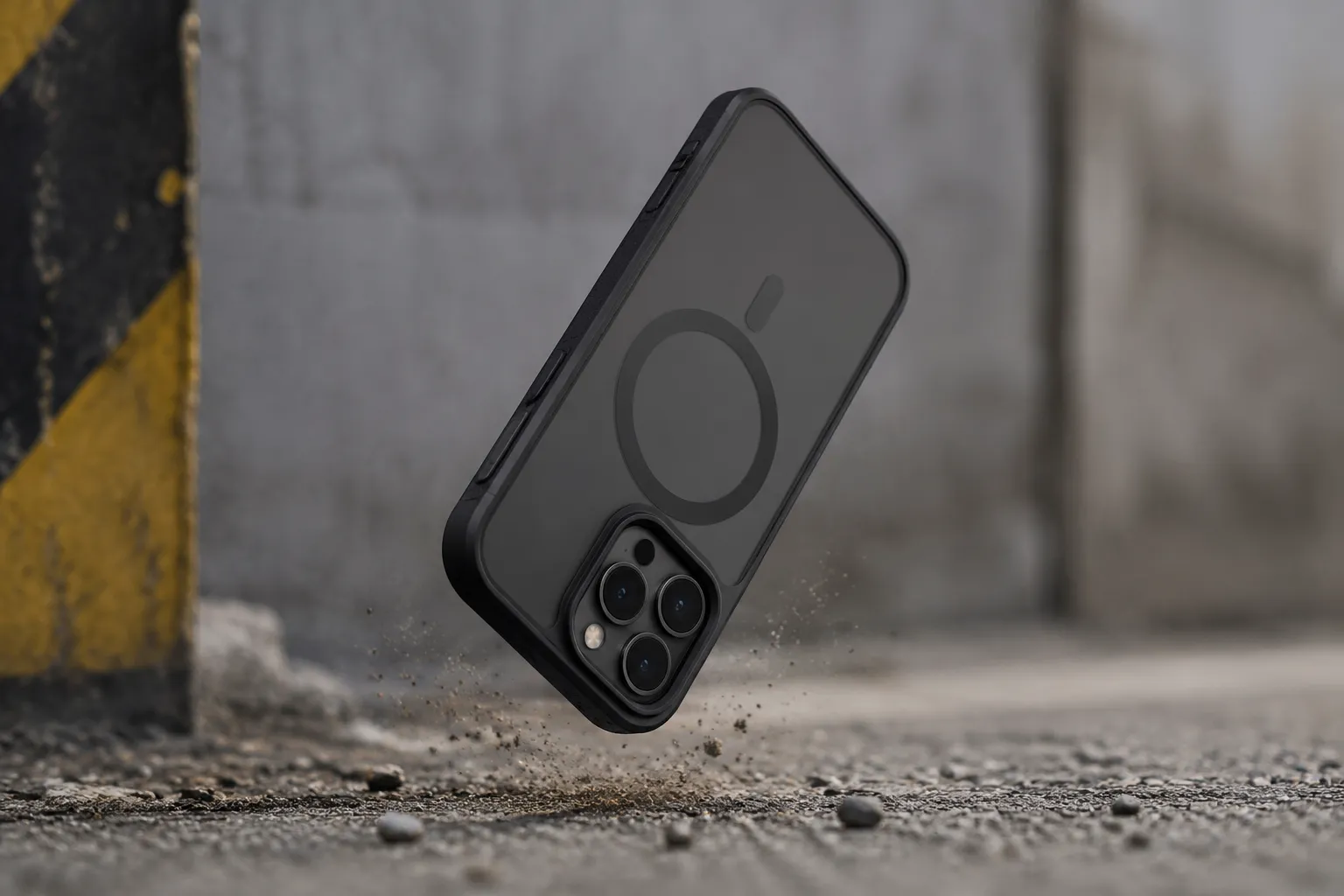
The camera lens on a modern iPhone sits behind a piece of sapphire composite that is genuinely hard. It resists keys, coins, and the general chaos of a pocket. What it does not resist is sand, and what sand does not even need is a direct hit. The grit gets trapped between the lens ring and the inside of a case that has a metal or magnetic ring built into the back panel.
MagSafe changed the game here. The ring of magnets inside the phone is useful, but the aftermarket response was to embed a corresponding metal plate into every case, often exposed on the interior surface. That plate sits millimeters from the camera module. When fine abrasive particles work their way between the plate and the lens ring, every slight twist of the phone in the hand becomes a gentle sanding motion.
A person notices the scratch only in the right light, usually when trying to sell the phone later. The trade-in value drops by a hundred dollars because of a mark that never would have happened without the protective accessory. The fix is simple enough: look inside the case before buying it. If the back panel has a bare metal ring or plate facing the phone, pass on it. The cases that cover the magnets with a smooth layer of plastic or rubber do not have this failure mode.
The Dust Lip That Carves the Frame
Every case on the market claims a precise fit. The reality is that the precision only lasts until the first few weeks of use. The case stretches, the phone settles, and a tiny gap opens up between the edge of the case and the stainless steel or titanium frame of the phone.
Into that gap goes dust. Not the visible kind, but the fine urban film of silica and grit that floats through every pocket, purse, and car cup holder. The case holds that dust against the frame, and the phone moves. It shifts from the pressure of a hand, from the slide into a pocket, from the vibration of a car mount. The abrasive particles embedded in the gap carve fine lines into the frame's finish.
Owners of dark-colored phones see this first. The scuffs appear as lighter marks along the edges, concentrated near the volume buttons and the charging port. It looks like wear, but it is actually the case doing the damage. A case that fits too loosely is worse than no case at all in this regard. The tight fit of a quality case, or better yet, a case that is replaced every few months, prevents the debris from ever getting a foothold.
The Tight Cutout That Shaves the Charging Port
The charging port cutout is the most abused part of any case. Most manufacturers leave it as a simple opening, which is fine. The problem arrives with the cases that try to be clever about it, adding a tight rubber flap or a precisely machined lip around the port.
Lightning cables and USB-C cables are not perfectly rigid. They wiggle. When a phone sits on a nightstand charging, the weight of the cable pulls it to one side, and the connector rocks against the edge of the case's cutout. Over months, that rocking action transfers force to the port itself. The case turns a straightforward plug-in into a lever exercise.
The symptom shows up as a loose connection. The phone charges only when the cable is held at a certain angle. Most people blame the cable or the port's internal wear. The actual culprit is the case lip that has been flexing the connector sideways every single night. A case with a generous, unobstructed cutout never causes this. The extra quarter-millimeter of clearance is worth more than any drop protection the tight fit might theoretically provide.
The Heat Trap That Ages the Battery
Lithium-ion batteries degrade with heat. This is not a controversial claim; it is basic chemistry. The iPhone generates heat during fast charging, during GPS navigation, and during any sustained processor load. The phone's thermal design assumes the back panel can shed that heat into the surrounding air.
A thick case, especially one made of silicone, rubber, or layered TPU, insulates the back of the phone. The heat that should dissipate instead builds up inside the case envelope. The battery sits in a warmer environment than the designers intended, and its capacity fades faster.
The effect is measurable. A person who runs navigation in a thick protective case for an hour will feel the phone get noticeably warmer than the same phone naked on the same mount. Over a year of daily use, that extra heat exposure shaves real capacity off the battery's maximum. The phone that should have held 85 percent of its original capacity after two years drops to 78 percent instead.
Wireless charging makes this worse. The charging coil itself generates heat, and the phone has no way to push that heat out through a thick insulating layer of plastic and air. A slim case, or no case at all, keeps the thermal envelope close to what Apple engineered. A rugged case with a built-in stand or battery pack turns every wireless charge into a slow bake.
The Raised Lip That Traps Water and Sweat
Modern iPhones carry an IP68 water resistance rating. They can survive a splash, a rainstorm, even an accidental dunk in a pool for a few minutes. The seals that make this possible are internal. The exterior of the phone is not the vulnerable part. The vulnerability comes from the case.
Cases with raised bezels around the screen create a shallow well. The bezel is there to protect the display from face-down drops, which is legitimate. But that same bezel collects water. Rain, condensation, a splash from a sink, sweat from a pocket during a run, it all pools in the recessed area around the screen edges. The water sits there, trapped by the case barrier, in constant contact with the seam where the display meets the frame. That seam is the one place moisture can eventually work its way past the phone's defenses.
The damage shows as a faint line of corrosion along the display edge, or worse, as a faulty Face ID sensor or a flickering screen a few weeks later. The phone's water resistance is rated for short exposure, not for a constant bath in a film of trapped moisture. The case transforms a brief splash into an extended soak.
A person who sweats during outdoor activities and keeps the phone in a tight case should check the screen recess regularly. If moisture collects there, the case needs to come off and dry out. The phone itself would have dried in seconds if it were naked.
The Button Covers That Stop Working
The volume and power buttons on a case are a mechanical interface. A small protrusion on the case interior presses against the actual button on the phone, and the case button transfers the finger's press through that protrusion. It is a simple system, and it works well when the tolerances are right.
Tolerances drift. The button covers stretch, the plastic weakens, or the case shifts slightly out of position. The protrusion no longer aligns perfectly with the phone's button. The press becomes mushy, then unresponsive, then dead. The owner ends up pressing harder, which flexes the case and sometimes activates the button on the opposite side. The phone becomes frustrating to use, and the owner blames the phone.
The long-term damage is to the phone's actual buttons. The mechanical switches underneath the case are rated for a certain number of actuations at a certain force. A stiff, misaligned case button requires extra force to register, and that extra force wears the internal switch faster. A case that started as a convenience becomes the reason the phone's power button feels loose or spongy after a year.
The fix is to test the button feel immediately. A case that requires any meaningful effort to press is a defect, not a feature. A good case's buttons should click with the same crispness as the naked phone's buttons, because the case is simply relaying the press, not resisting it.
The Cheap Plastic That Chemically Bonds to the Finish
The worst cases are not the thick ones. They are the cheap ones, the generic clear TPU cases sold in bulk at gas stations and online marketplaces. The plasticizers used to keep those cases flexible leach out over time. The leaching process is accelerated by heat and by contact with certain surfaces.
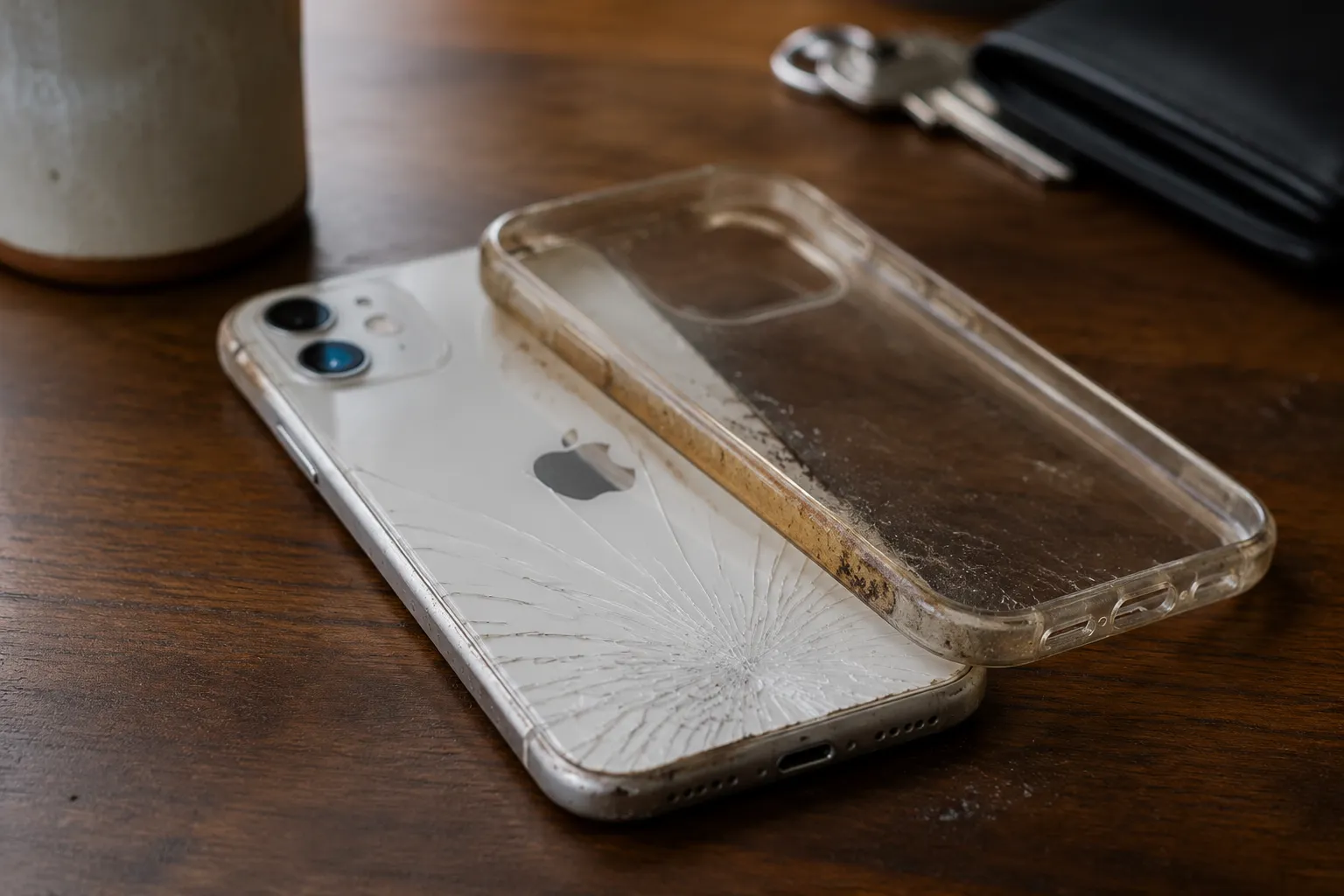
The result is a chemical reaction between the case material and the phone's coating. The back of the phone develops a cloudy, sticky residue that does not wipe off. The "clear" case turns yellow, not just on the outside but on the inside, and the yellowing transfers to the phone itself. Apple's glossy back panels and even the textured matte finishes on the Pro models are vulnerable to this. The case literally chemically bonds to the surface it was meant to protect.
Removing the case sometimes pulls flecks of the phone's coating with it. The back panel ends up with permanent discoloration that looks like a heat mark or a stain. No amount of cleaning restores it. The only remedy is a case made from a stable polymer, usually a hard polycarbonate back with a soft bumper, or a leather case that does not off-gas the same plasticizers.
The price of the case is not a reliable indicator here. Some of the worst offenders are sold at premium prices with premium branding. The material composition matters more than the logo. A case that feels slightly stiff and does not bend easily is usually using a more stable plastic. A case that flexes like a gummy candy is leeching plasticizers onto the phone's back panel.
The Magnet Ring That Kills the Compass
The iPhone contains a magnetometer, the sensor that powers the compass app and helps with augmented reality positioning. It is a sensitive instrument. The phone's internal design carefully shields it from the iPhone's own magnets, which are positioned and oriented to minimize interference.
An external case with a poorly placed magnet ring or a magnetic mount plate can overwhelm that shielding. The magnetometer reads the external field as a constant offset. The compass drifts, points in the wrong direction, or spins erratically. GPS navigation that depends on the phone's orientation, like walking directions in a city, becomes unreliable.
Most people do not notice because they do not use the compass. But the same sensor feeds the phone's motion tracking and some gaming features. The magnet ring issue is insidious because it does not cause visible damage. It just quietly degrades a function the owner never knew existed until they need it, usually on a hike in unfamiliar terrain.
The Apple-made MagSafe cases are engineered to minimize this interference. The cheap imitations are not. The magnet placement is often approximate, and the field strength is inconsistent. A person who relies on the phone for navigation should stick with certified magnetic cases or use a folio-style case that keeps magnets away from the phone's upper half entirely.
The Pattern of Failure
None of these issues show up in the first week. They all take months to manifest, which is why case manufacturers get away with them. The buyer evaluates the case on day one, checks the fit, the feel, the button response, and pronounces it good. The case fails slowly, and by the time the phone shows damage, the case is old news.
The common thread is that every harmful case mistake involves the case doing something other than absorbing impact. The case that simply sits there, a passive shell with clean cutouts and stable materials, never causes these problems. The cases that hurt phones are the ones that add features: integrated magnets, complex button mechanisms, multi-layer constructions, battery packs, card holders.
The phone in a plain, well-fitted case from a reputable materials supplier will outlive the same phone in a feature-packed case from a brand that prioritizes convenience over chemistry. It is not the most exciting conclusion. But it is the one that holds up after a decade of seeing what actually breaks.