
Shop Mous iPhone 17 Cases
Shop Mous Galaxy S26 Cases
Shop Mous Pixel 10 Cases
Shop AirPods Cases at Mous
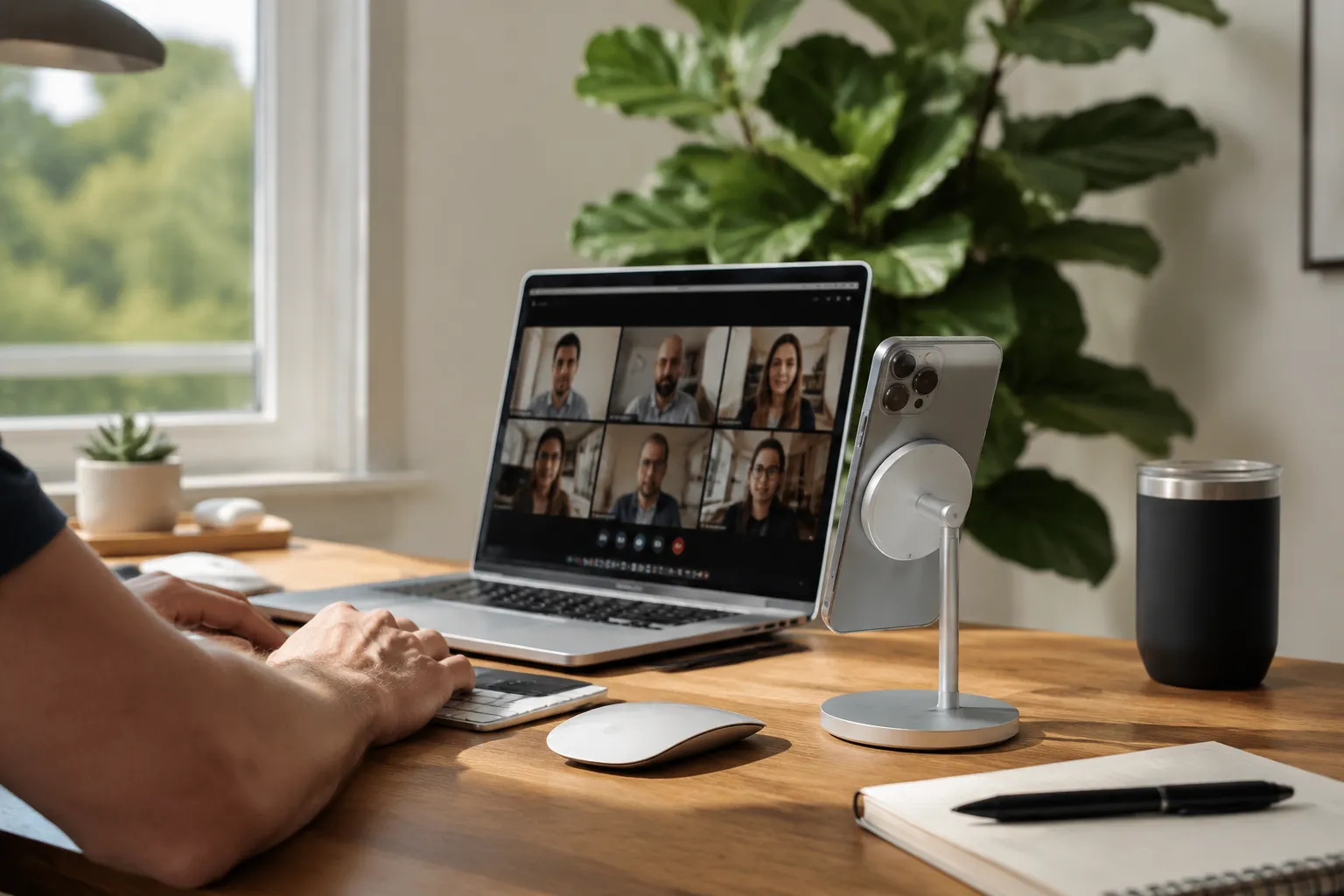
Most people buy a MagSafe stand for the wrong reason. They imagine it as a nightstand dock, a place to park the phone while it charges overnight. Then the stand arrives, they prop the phone up on a desk, and they discover the actual use case within an hour: the thing becomes a third hand for video calls and a way to keep a reference screen beside the main monitor. The nightstand was a cover story. The desk is where a MagSafe stand earns its keep.
The problem is that the market splits into two very different philosophies. One camp builds stands that prioritize a locked, angled view for FaceTime. The other camp builds stands that prioritize adjustability for multitasking. A stand that does both well is rare, and a stand that does both while staying stable is rarer still. After testing a dozen of them over the last month, six stands rose above the rest, each for a specific reason that has nothing to do with specs on a box.
What Desk Duty Actually Demands
A video call stand has one job that matters more than any other: it must put the camera at eye level or slightly above. A phone sitting low on a desk points the lens up a person's nose, and no amount of software can fix that geometry. The stand needs enough height to get the phone roughly level with a face, which means a minimum lift of about six inches from the desk surface to the center of the phone.
Multitasking adds a second requirement. When the phone acts as a secondary screen, it needs to rotate between portrait and landscape, and it needs to tilt freely enough to catch the right angle without glare. A fixed-angle stand that works perfectly for calls becomes useless the moment a person wants to watch a video while typing. The best stands treat the phone like a small monitor: adjustable, lockable, and positioned where the eyes actually look.
Stability rounds out the trio. A stand that wobbles during a call is a distraction. A stand that tips over when a person reaches for a coffee mug is a disaster. The base needs mass or grip, and ideally both.
The Six That Made the Cut
These stands were tested with an iPhone 15 Pro Max, which is the heaviest regular phone Apple makes and the one that punishes weak magnets and flimsy hinges. Lighter phones will perform better on any stand. If a stand held the Pro Max steady, it will hold anything.
Belkin MagSafe Stand Pro: The Gold Standard for Calls
Belkin's Stand Pro is the most expensive option here at around $150, and it justifies the price through a mechanism that no other stand in this roundup copies. The phone mount sits on a fully articulating arm that moves in every direction, but the secret is the base. It contains a wireless charging puck that rotates a full 360 degrees, which means the phone can spin to face anyone in the room without lifting the stand.
The arm locks with a satisfying firmness. A person can position the phone at eye level, tighten the joints, and trust that it will not droop over the course of an hour-long meeting. The magnetic grip is strong enough to hold the Pro Max with a thin case attached. It is the only stand in this list that feels like a piece of studio equipment rather than a consumer gadget.
The tradeoff is size. The base is a heavy disc that takes up real estate, and the whole assembly looks like a robotic arm that wandered off a film set. On a cluttered desk, it dominates. But for someone whose income depends on looking professional on camera, the Stand Pro is the one to beat.
Anker MagGo Magnetic Wireless Charging Stand: The Balanced Pick
Anker's offering splits the difference between a fixed dock and a full articulating arm. It folds flat for travel, then unfolds into a triangle that holds the phone at a comfortable viewing angle. The hinge lets the phone tilt forward and backward, but it does not rotate into landscape mode on its own. A person has to physically turn the phone sideways, and the magnetic hold is strong enough to keep it there.
The standout feature is the price-to-performance ratio. At around $40, it delivers 15W fast charging, a solid aluminum build, and a footprint that fits on the corner of a desk without demanding attention. The folding mechanism means it lives in a laptop bag as easily as it lives on a desk.
Video calls work fine because the phone sits high enough on the unfolded arm. It is not eye level for a tall person, but it is close enough that the camera angle flatters rather than humiliates. For most people, this is the right default recommendation.
Mous Magnetic Stand: The Minimalist That Disappears
Mous makes a stand that looks like a single bent piece of metal, because that is essentially what it is. A flat base curves up into a backplate, and the phone snaps onto the plate with magnets. There are no moving parts, no hinges, no adjustments. The angle is fixed at about 60 degrees, which works for glancing at notifications but fails for video calls.
It earns a spot here for a different reason: side-by-side multitasking. When the phone sits in landscape on this stand, it creates a clean secondary display that sits low and close to the keyboard. A person can glance at a message thread or a sports score without moving their head. The stand's low profile means it never blocks the bottom of the main monitor.
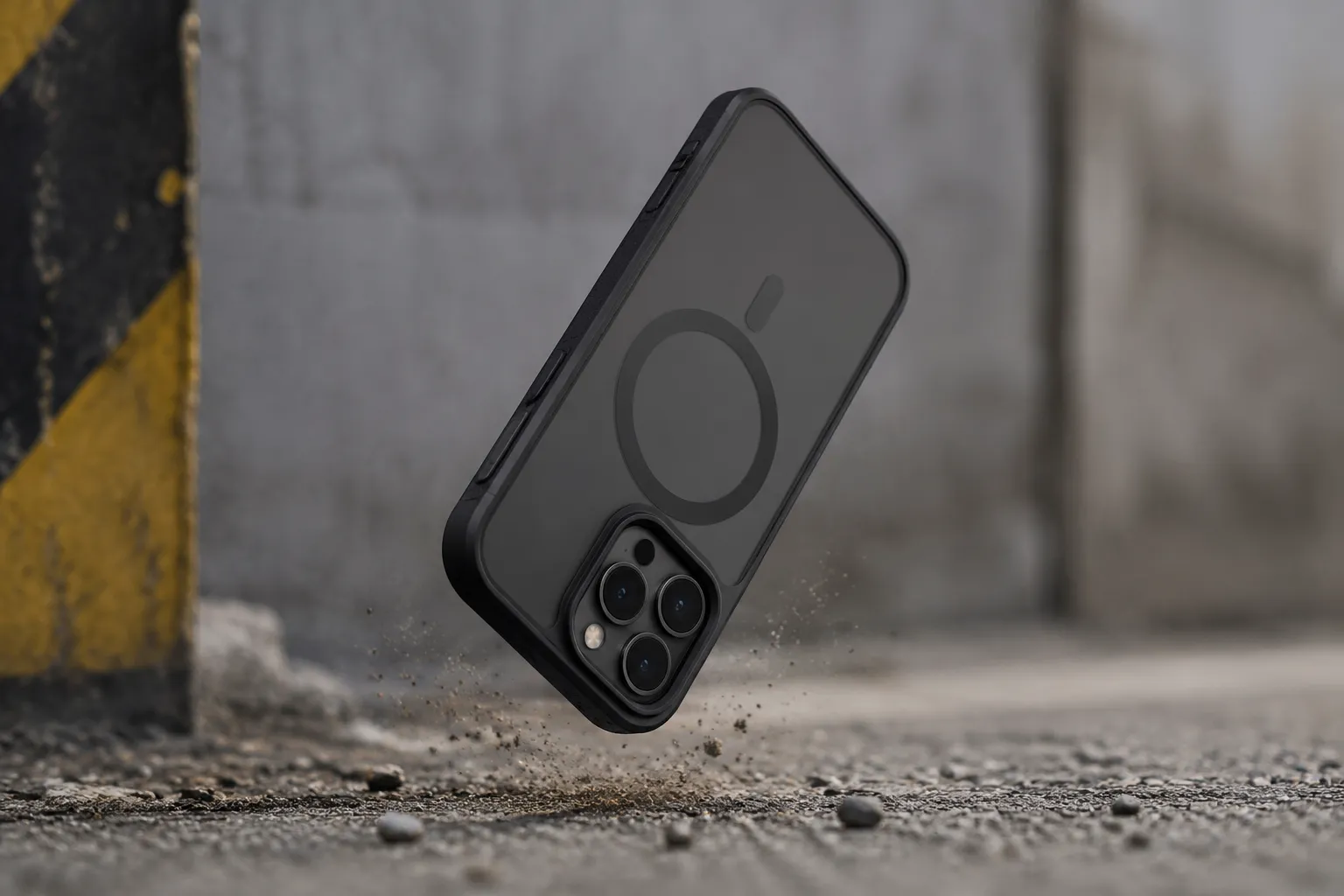
The magnet is the strongest of the group. Mous built its reputation on drop-proof phone cases, and that engineering carries into the stand. The phone stays put with a case on, and it takes a deliberate pull to release it. For a person who wants a stationary dock that never needs adjustment, this is the cleanest option. The tradeoff is that it does one thing only, and the fixed angle limits its usefulness to a narrow slice of desk work.
Twelve South HiRise 3 Deluxe: The Height Winner
Twelve South's HiRise 3 Deluxe solves the tallest problem in the category. Most stands put the phone at six to eight inches off the desk. The HiRise 3 Deluxe extends to nearly fourteen inches, which puts the camera at a genuine eye level for most seated adults. A person can sit up straight, look forward, and meet the lens without angling the phone down.
The mechanism is a telescoping aluminum pole with a phone cradle on top. The cradle holds the phone with a magnetic backplate and adjustable side arms that grip the edges. It feels secure, though the side arms add a step that other stands skip. The base is heavy enough to counterbalance the height, but the whole assembly has a slight flex at full extension, which is the price of that reach.
This is the stand for people who spend hours on video calls and want the camera to feel like a webcam mounted on a monitor. It also works as a standing-desk companion, since the height range accommodates a person who switches between sitting and standing throughout the day. The tradeoff is that the tall profile makes it awkward for side-by-side multitasking; the phone ends up floating above the sight line to the main screen.
ESR HaloLock Adjustable Stand: The Budget Multitasker
ESR has become the default answer for people who want MagSafe accessories without paying Apple prices, and the HaloLock adjustable stand delivers where it counts. The phone mount sits on a ball joint that allows smooth rotation between portrait and landscape, plus a tilt range that covers almost any viewing angle. The arm rises from a flat, weighted base that keeps things stable during normal use.
The ball joint is the secret weapon. It lets a person switch from a video call to watching a vertical short-form video to reading an article without lifting the phone off the mount. That flexibility makes it the best budget option for multitasking, even though the build quality does not match the premium contenders. The plastic joints feel like they will wear out after a year of constant adjustment.
At around $25, it costs a third of the Belkin and delivers eighty percent of the functionality. For a student or a first-time buyer who is not sure what they need from a stand, this is a smart starting point. It charges at 15W, holds the Pro Max securely, and folds into a compact shape for travel.
Satechi Magnetic Desktop Stand: The Laptop Traveler's Companion
Satechi approaches the problem from a different direction. Its stand is a flat plate that unfolds into a slight kickstand, holding the phone at a low angle that works best when the phone sits beside a laptop. The whole thing weighs almost nothing and slides into a sleeve pocket alongside a charger.
The low profile means it fails as a video call stand for anyone who cares about camera angle. But as a second screen for a laptop, it is nearly perfect. The phone sits at the same height as the laptop keyboard, which creates a continuous line of sight across both devices. A person can glance from a spreadsheet on the laptop to a chat app on the phone without moving their head up or down.
The magnet is adequate but not exceptional. The Pro Max stays attached, but a firm bump can knock it loose. The stand works best with a naked phone or a slim case; heavy cases defeat the magnet. For a person who works from coffee shops and needs a portable second screen, this is the right call. It does not pretend to be anything more than a low dock that travels well.
The Charging Speed Trap
Every stand in this list charges the phone wirelessly, but the charging speed varies in ways that matter less than the marketing suggests. The difference between 7.5W and 15W charging means roughly an hour of extra charge time over a full cycle. For a stand that sits on a desk all day, that difference is irrelevant. The phone tops up while a person works, and it reaches full by the end of the day either way.
The real trap is heat. A phone propped on a stand for video calls runs warm from the camera and screen, and wireless charging adds more heat on top of that. Some stands, particularly the budget models with thin plastic backs, trap that heat and slow the charging to a crawl. A person who uses the phone for an hour-long video call while it sits on a charger may finish the call with less battery than they started with.
The fix is to ignore the charging spec and focus on airflow. Stands that hold the phone against a large metal backplate dissipate heat better than stands that sandwich the phone against plastic. The Belkin and the Satechi both handle heat well. The ESR runs noticeably warmer, which is the hidden cost of its low price.
A Note on Case Compatibility
The magnetic grip of any stand depends on the case. A thin silicone case with built-in magnets holds fine. A thick rugged case with a metal plate or a popsocket grip will defeat even the strongest stand magnets. Before buying any stand, a person should test their current case against a friend's MagSafe charger or a display unit at an Apple Store.
The stands in this list were tested with a naked phone and a thin Apple silicone case. Results will vary with bulkier protection. A person who uses a heavy case should consider a stand with mechanical grips, like the Twelve South HiRise 3 Deluxe, which holds the phone with side arms in addition to the magnet. The Belkin and the Mous rely purely on magnetic force and will drop a phone wearing a case that breaks the magnetic connection.
Matching the Stand to the Workflow
The right stand depends entirely on the ratio of video calls to side-by-side work. A person who spends four hours a day in video meetings should buy the Belkin Stand Pro or the Twelve South HiRise 3 Deluxe. The Belkin wins on flexibility and rock-solid stability; the Twelve South wins on height and camera angle. Both cost more than $100, and both are worth it for someone whose professional image depends on looking straight into the lens.
A person whose phone is a secondary screen, a dashboard for messages and calendars while the main work happens on a laptop, should skip the tall stands entirely. The Mous Magnetic Stand or the Satechi Desktop Stand puts the phone where the eyes already look, without creating a tower of aluminum and glass on the desk. These stands cost under $50 and disappear into the workflow.
The middle ground belongs to the Anker MagGo and the ESR HaloLock. Both offer enough adjustability to handle the occasional video call and enough stability for side-by-side multitasking. The Anker is the better-built of the two, with a folding mechanism that survives travel. The ESR is the better value, with a ball joint that adapts to any angle. A person who is not sure which category they fall into should start with the Anker and upgrade later if the video call habit turns serious.
The desk is where a MagSafe stand reveals its purpose. Six stands handle that purpose well, each for a different reason. The only wrong choice is buying one without considering which kind of desk worker the buyer actually is.